
For VRChat
Everywhere you are
in there.
“What avatar is that?” “Where was that world?” Put them on one page people can open after they take the headset off, at noiz.bio/yourname.
Your VR page
Rendered by the same components a visitor sees on your page. A world takes up to 5 screenshots.
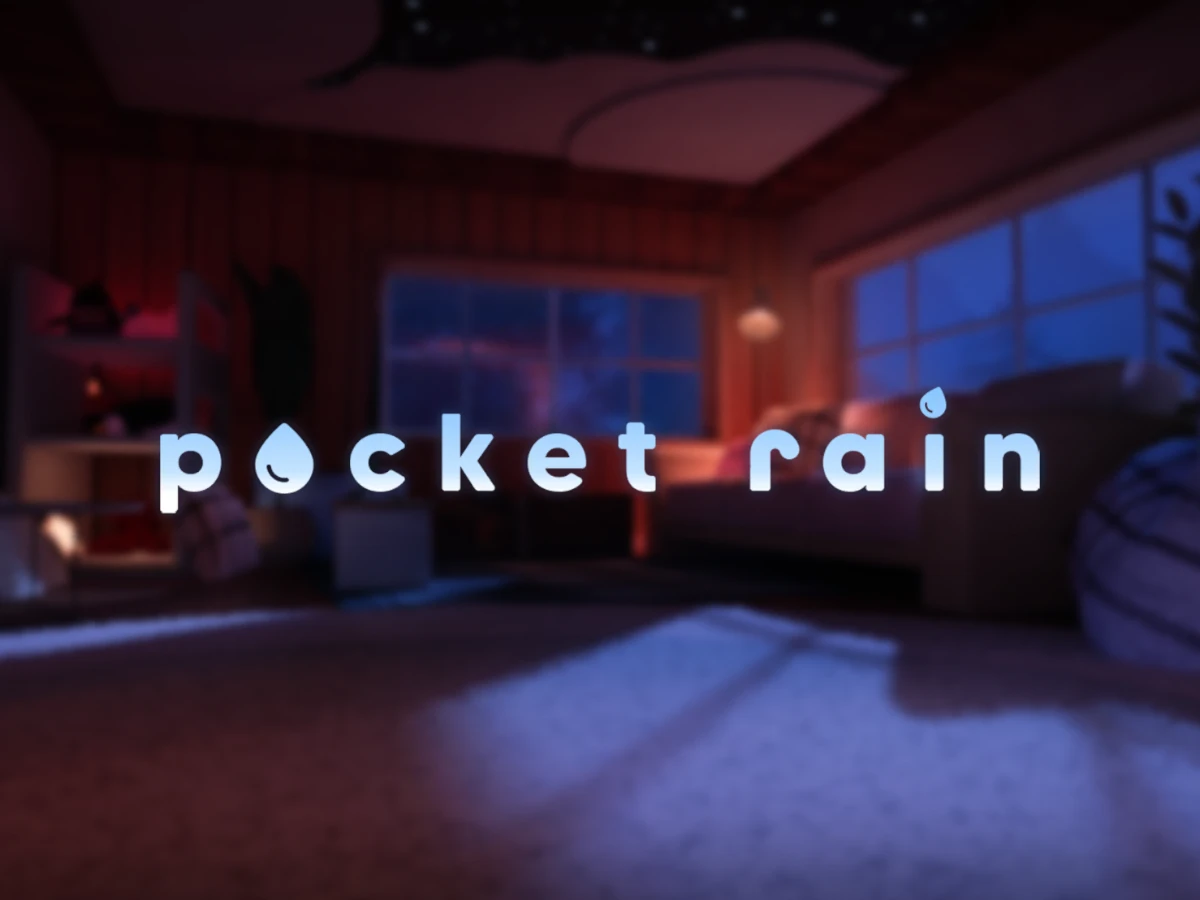
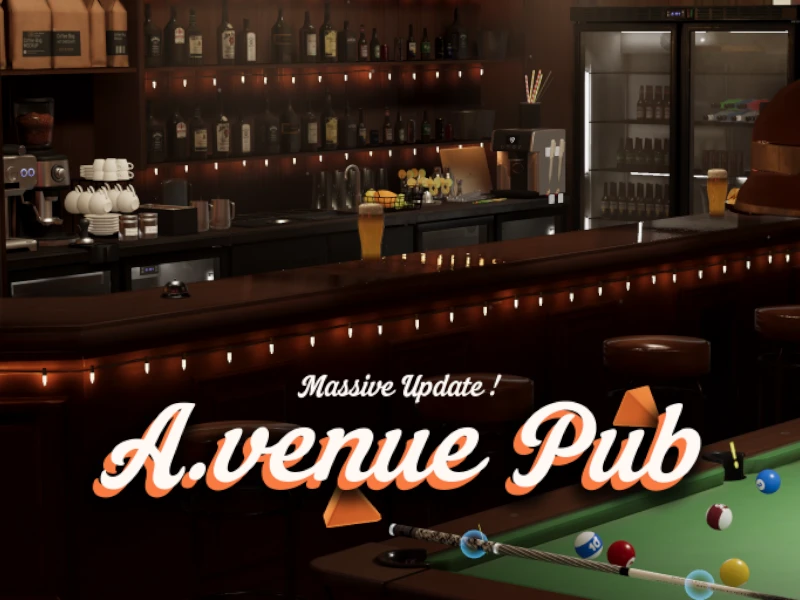
Worlds pictured: Pocket Rain by Silyataru and A.venue Pub by Reava_レイ. Neither world is ours.
What you show
Three lists, and a link on every row.
Add a section for each one, or just the list you care about. Every entry is a name, the VRChat link, and the picture you want people to see.
- 01WorldsName · Link · Up to 5 screenshots
- 02AvatarsName · Link · One picture
- 03GroupsName · Link · One picture
- +Your setupHeadset · Trackers · The PC behind it
Your VRChat link, with its own icon.
Paste your profile or your group straight from the address bar. It sits with every other place people find you. Anything outside the thirty-nine platforms goes in as a custom link, and any link can carry an icon you upload. Group them under headings, and schedule the ones that are only live for a while.
- VRChat
- Discord
- Twitch
- YouTube
- Patreon
The page
More than a card with links under it.
A profile starts as one screen. Below it you can add scroll-down pages: worlds on one, avatars on another, whatever you keep being asked for: each with its own address, so you can send someone straight to the part they asked about.
- Premium
Avatars, groups and worlds
Three lists, each row a name, a VRChat link and a screenshot: worlds take five, so a place can be shown from more than one angle.
- Premium
Your VR setup
Headset, trackers, base stations and the PC driving them, as label-and-value rows: the same widget a PC build uses.
- Premium
Scroll-down pages
Full-height sections below your card, one per subject: worlds on one, avatars on another, whatever you keep being asked for. Each one gets its own link.
A VRChat link that looks like one
Your profile or your group, with the VRChat icon rather than a generic globe, next to every other place people find you.
- Premium
What is coming up
Meetups, world launches and streams with a date and time, shown to every visitor in their own timezone.
Views on every link
Views of your page and clicks on every link on your card, counted server-side. No cookies, no third-party script.
Live cards
Cards with your live profile from Minecraft, Roblox, Steam, YouTube, TikTok, Twitch, Kick, GitHub, Last.fm and CS2: your Steam status, whether you are live on Twitch, and more, fetched by Noiz's server.
Discord status
Online, idle or in a game, live on your Discord card. It is off until you switch it on, and it needs you in the Noiz Discord server.
- Premium
Animated backgrounds
One of twenty-two animated backgrounds drawn live behind the page. A clip from your favorite world can loop there on any plan.
Free unless marked Premium: one payment, no subscription. Every feature, or the full breakdown by plan.
Who it is for
One card, or a page per world.
World builders
The worlds you made, each with its own name, link and screenshots, instead of a Discord message people scroll past.
Avatar creators
A page of what you sell or share, with the link to each one where somebody can actually find it later.
Community leads
Your group, your rules and the next meetup on one address you can put in an instance description.
Streamers in VR
The headset, the trackers and the PC behind them, plus your Twitch and Discord, on a page that is not a bio field.
Questions
What people ask before they start.
What is a VR profile on Noiz?
One page at noiz.bio/yourname holding your links and, below the card, scroll-down pages you add yourself: your VRChat worlds, your avatars, the groups you run, the kit you play in. You design it: background, fonts, colors, the card's look, or start from a template another creator shared and make it yours.
Does it connect to my VRChat account?
No. Nothing is read from VRChat and nothing is synced: you paste the link to a world, an avatar or a group and type its name, and you upload the screenshots yourself. There is no live VRChat status and no friend list. The upside is that nothing on your page breaks when VRChat changes its API, and your VRChat account is not connected to anything.
How many worlds and avatars can I show?
Fifteen entries across all three lists, and up to five screenshots on each world: one on an avatar or a group, because the second picture of the same avatar is the same avatar.
Can people find my VRChat profile from it?
Yes. VRChat is one of the platforms with its own icon, so your profile or your group sits with the rest of your links rather than as a bare URL. Paste the address from your browser: both the user and the group form work.
Can I use it as my link in bio?
That is what it is. One noiz.bio link in your VRChat bio, your Discord about-me or a group description, with unlimited links behind it and a QR code for anyone reading it on a screen.
What does it cost?
Links, analytics, background music and every social icon are free. Scroll-down pages (where the VRChat lists, the setup rows and the calendar live) are premium: one payment of €4.99, not a subscription.
Your page
Take your name.
Pick your name, then add the worlds when you are ready for them.
The base plan is free, with no payment card and no time limit
See what it costsPlaying on a screen instead? See what a gaming page looks like.